
Datei hochladen
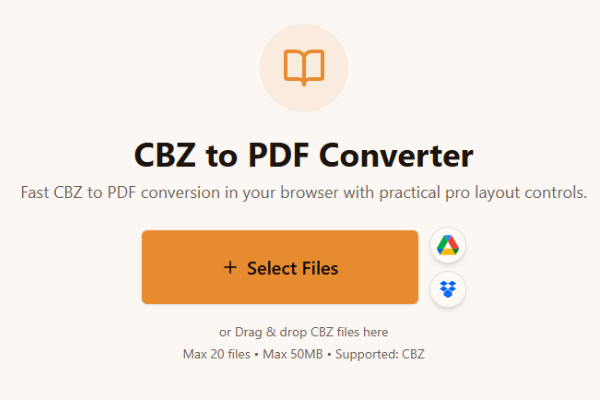
CBZ-Datei(en) hochladen.
Loading tool...
Entdecken Sie weitere Tools, die ähnliche Aufgaben lösen.

TXT to Word
Convert TXT files to Word format

Markdown to Word
Convert Markdown (.md) files to Word DOCX with tables and links

Markdown to HTML
Convert Markdown (.md) to standalone HTML with GFM tables and code blocks

Markdown to PDF
Convert Markdown (.md) to print-ready PDF in your browser

TXT to PDF
Convert TXT files to PDF format with advanced options

IPYNB to PDF
Convert Jupyter notebook (.ipynb) files to PDF

IPYNB to HTML
Convert Jupyter notebook (.ipynb) files to standalone HTML

IPYNB to Python
Export Jupyter notebook (.ipynb) to a .py Python script
Fast CBZ to PDF conversion in your browser with practical pro layout controls.
or Drag & drop CBZ files here
Max 20 files • Max 50MB • Supported: CBZ
How to convert CBZ to PDF
Watch how to turn a CBZ comic archive into a PDF with the Asli Tools CBZ to PDF converter.
Konvertieren Sie CBZ-Dateien schnell in PDF. Kein Download, keine Registrierung, volle Browser-Konvertierung.
Sie suchen einen zuverlässigen cbz to pdf converter? Dieses Tool erstellt saubere PDF-Ausgaben aus Comic-Archiven.
CBZ ist ein ZIP-basiertes Comicformat mit Bildseiten wie JPG, PNG, GIF oder WebP.
Kostenlos, privat, ohne Wasserzeichen und mit Profi-Einstellungen für Seitenlayout und Reihenfolge.
In wenigen Schritten:
CBZ-Datei(en) hochladen.
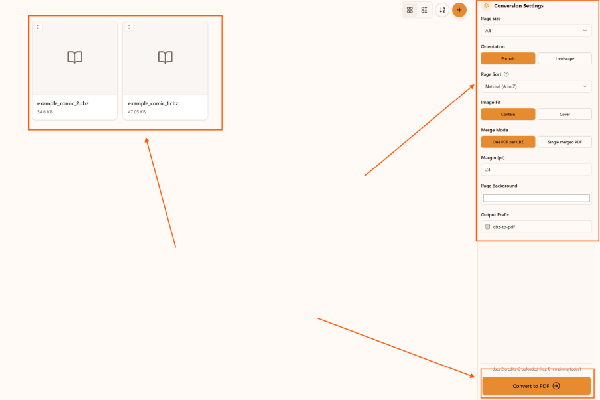
Seitengröße, Ausrichtung und Sortierung wählen.
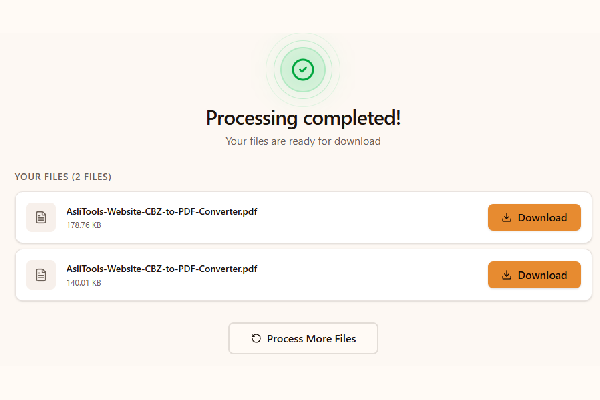
Auf Konvertieren klicken und PDF herunterladen.
Upload your CBZ file, choose settings, click Convert, and download the PDF. No installation is required.
Yes. This converter runs fully in your browser, so you can convert cbz to pdf without installing desktop apps.
Yes, it is free to use and does not add watermarks.
Yes. Any modern browser on macOS, Windows, or Linux should work.
Yes. Upload multiple CBZ files and convert them in one run.
Wichtige Vorteile für Comic-Workflows:
Common scenarios include:
Desktop apps can offer advanced workflows, but online tools are faster to start and easier to use across devices. Browser conversion is ideal when you want no-install convenience and a quick result for sharing, archiving, or printing.
For cleaner comic PDFs and better long-term readability:
This tool is built for fast, high-quality CBZ to PDF conversion with controls that matter in real comic workflows.
Upload your CBZ files, convert in one click, and download clean PDFs ready for reading, sharing, or printing.
Have more questions? Don't hesitate to email us:
Ein Comic-Archiv auf ZIP-Basis mit Bildseiten.
Datei hochladen, Konvertieren klicken, PDF herunterladen.
Ja, komplett kostenlos.
Nein, die Konvertierung läuft im Browser.
Ja, dieser Workflow verarbeitet lokal im Browser.
Ja, mehrere CBZ-Dateien werden unterstützt.
CBZ nutzt ZIP, CBR nutzt RAR.
Ja, die Seitenqualität bleibt erhalten.
Diese Seite ist für CBZ-zu-PDF.
JPG, JPEG, PNG, GIF und WebP.